
Digitizing Family Photos: A Complete Guide to Preservation
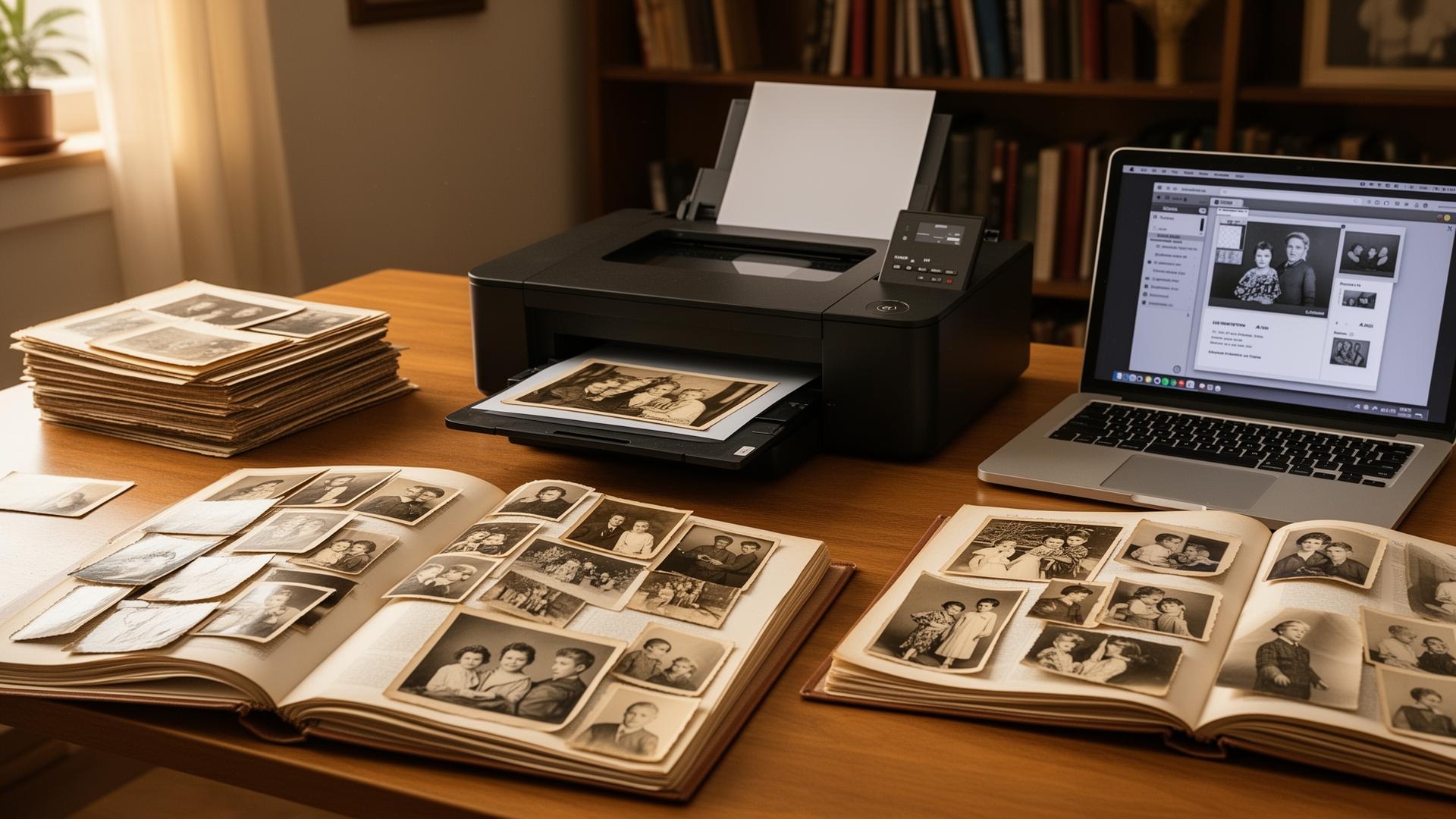
Safeguarding your family memories begins with proper digitization. Whether you want to digitally restore old photos, digitally enhance old photos, or clean up old photo collections, following these expert recommendations ensures your precious photographs are correctly scanned and organized before using the best photo restoration app for enhancement. This guide covers everything from using an old picture scanner app to preparing images for digital photograph restoration.
Preparing Your Photographs for Restoration
Before commencing scanning, invest time to organize your photos chronologically or thematically. Learning how to restore old photos starts with proper preparation. Gently clean up old photos with a soft, dry cloth to eliminate dust and fingerprints before using the best app to restore old photos. This preparation step is crucial when you want to digitally restore old photos effectively.
Selecting the Appropriate Scanner or Old Picture Scanner App
For optimal results, employ a flatbed scanner with minimum 600 DPI resolution or use an old picture scanner app on your smartphone. This guarantees sufficient detail for future enlargements and restoration work with the best photo restoration app. Whether you ask "is there an app to restore old photos" – dedicated apps frequently provide superior color accuracy and automatic dust removal capabilities for digital photograph restoration.
Optimal Scanning Settings to Enhance Old Photos
Scan at 300-600 DPI for standard 4x6 photographs, and up to 1200 DPI for smaller photos or slides when learning how to enhance an old photo. Utilize TIFF format for archival purposes, though high-quality JPEG is acceptable for general use with the restore old photos app. Always scan in color, even for monochrome photos, as this preserves more information for apps for old photos and makes it easier to digitally enhance old photos later.
Organization and Backup Strategies for Digital Photograph Restoration
Establish a consistent naming convention for your files, incorporating dates and subjects. Store your digital photos in multiple locations – cloud storage, external drives, and local copies. This ensures your memories are protected from hardware failures or accidents before using the fix old photos app. Proper organization makes it easier to how to get an old photo restored when you're ready to use restoration apps.
Ready for AI-Powered Restoration with the Best App to Restore Old Photos
Once digitized, your photographs are prepared for AI-powered restoration. Modern apps that restore old photos can remove scratches, enhance old photos with AI, and even colorize monochrome photos automatically. The higher quality your original scan, the superior your restoration results will be with the old photo restoration app. Whether you want to clean up old photo damage or digitally restore old photos to their original glory, AI restoration apps deliver professional results.
Ready to Restore Your Photos?
Transform damaged vintage photographs with RetroFix photo repair app's AI technology