
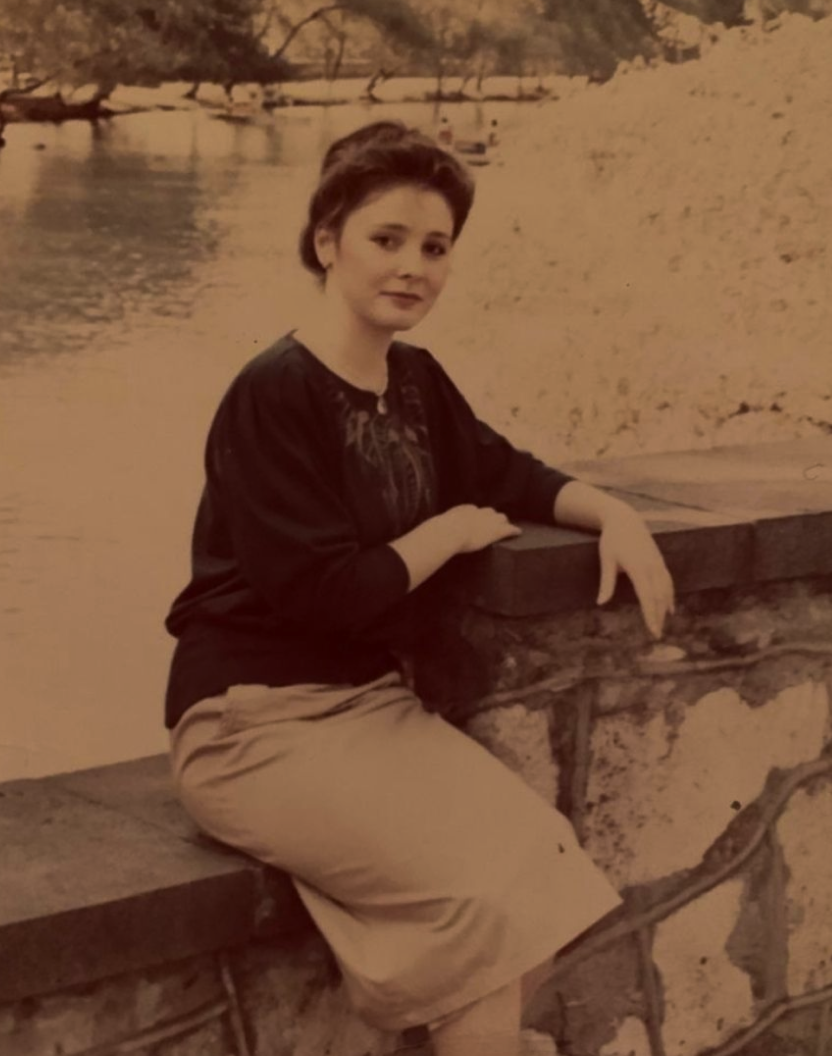
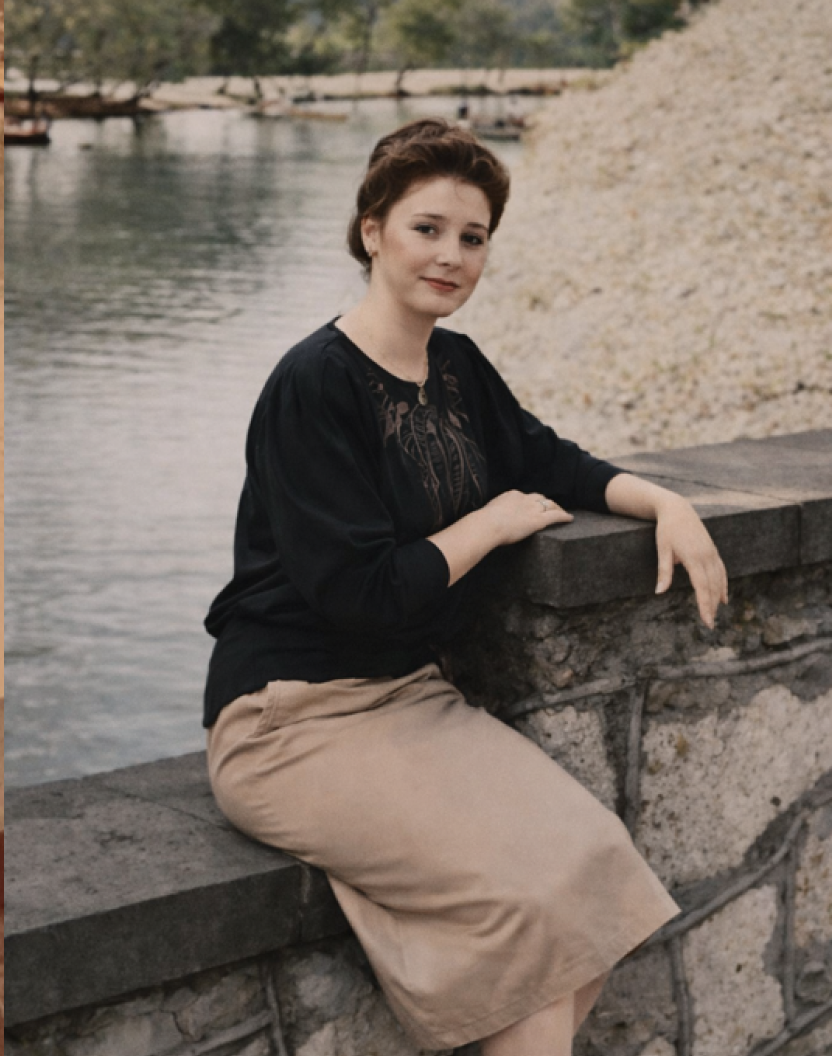
Brightens underexposed photos and enhances contrast automatically
Fix Lighting & Make Photos Look New
How to make old photos look new? RetroFix provides complete solutions for dark images, faded photographs, and poorly contrasted pictures. Our AI analyzes and corrects exposure, contrast, and color balance automatically—transforming old photos to look fresh and vibrant. Whether you need to renew old photos, fix underexposed images, or bring back old photos that have faded over time, our smart enhancement makes old pictures look new with a single tap.
How to Make Old Pictures Look New
AI analyzes and corrects exposure, contrast, and color balance automatically to renew photos
Upload Your Dark Photo
Select any underexposed, overexposed, or low-contrast image that needs to look new
AI Adjusts Lighting
Intelligent algorithms balance exposure, enhance contrast, and restore natural colors automatically
Save Your Renewed Photo
Preview the improved version and download—make old photo to new in seconds
Key Features
Make Old Photos Look New
Brightens dark photos while preserving detail in shadows—transforms old pictures instantly
Renew Old Photos with AI
Recovers details in blown-out highlights and bright areas for fresh-looking results
Enhance Contrast
Adds depth and dimension to flat, washed-out images—brings back old photos
Restore Faded Colors
Brings back vibrant colors to old, faded photographs automatically
Remaster Old Photos
Reduces harsh lighting effects and lens glare—makes old pictures look professional
Natural Results
Maintains authentic look when you renew picture—no over-processed appearance
Ready to Get Started?
Download RetroFix and transform your photos in seconds