
Using AI Colorizer for Digital Art: Tips and Tricks – RetroFix
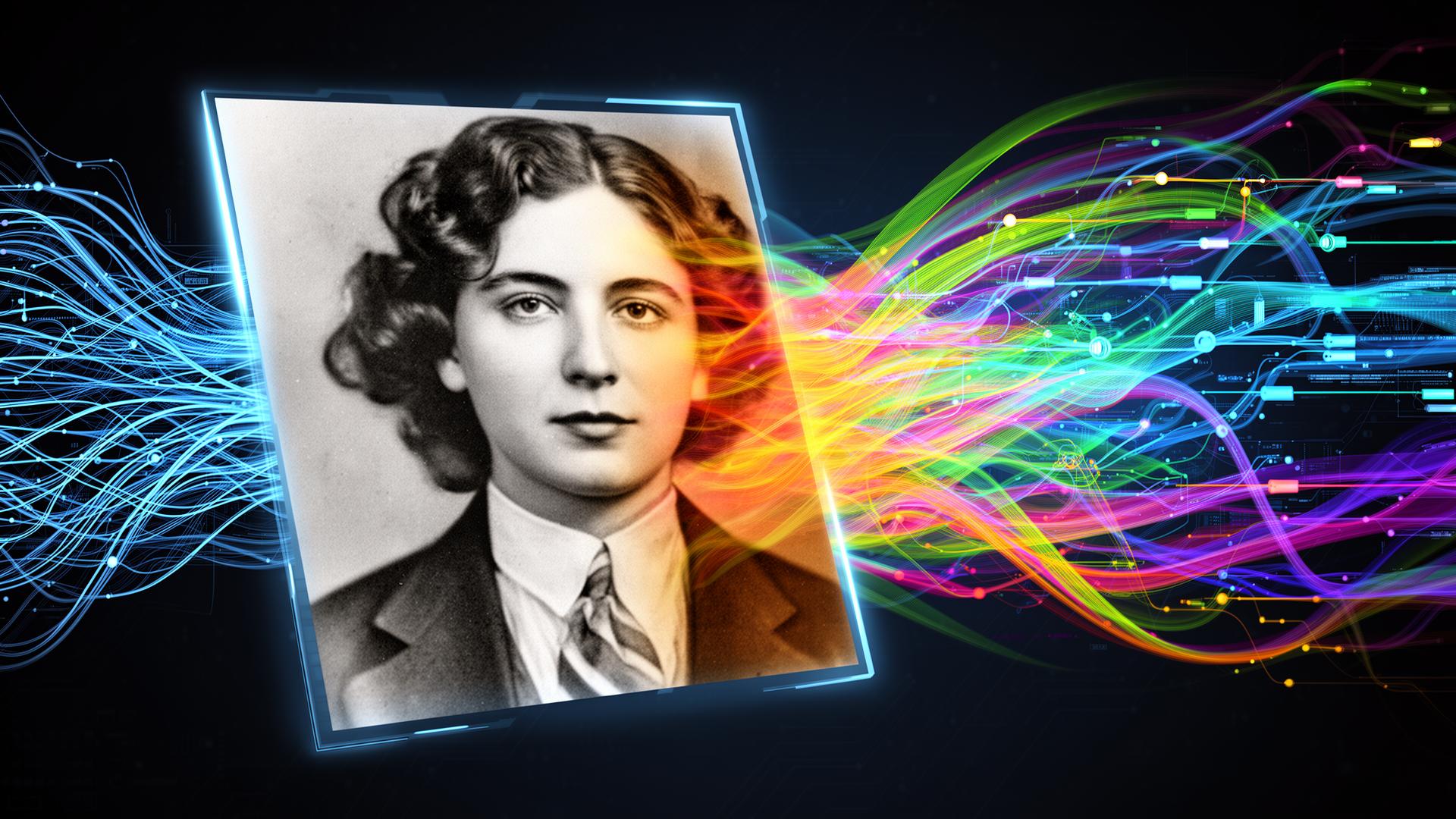
The landscape of digital art has been transformed by AI colorization technology. Tasks that previously demanded hours of painstaking manual effort and specialized artistic knowledge can now be completed in mere seconds with the right photo restoration app. RetroFix's cutting-edge AI colorizer puts this remarkable technology at your fingertips, making it simpler than ever to convert black and white images into vibrant, full-color works of art.
Whether you're working with vintage family photographs, historical images, or creative artistic projects, mastering AI colorization can revolutionize your digital art workflow. This app to restore old photos handles everything from simple enhancements to complex restorations. For step-by-step guidance, also read our AI picture restoration tutorial.
Understanding AI Colorization Technology

AI colorization operates by examining the content, context, and patterns within monochrome images. The technology has been trained on millions of color photographs, developing the ability to identify objects and textures.
RetroFix's AI colorizer employs deep learning algorithms capable of recognizing skin tones, vegetation, sky, clothing, and architectural elements, automatically applying historically accurate and contextually appropriate colors.
Tips for Achieving Better Colorization Results
1. Start with High-Quality Images
The quality of your input image significantly impacts colorization outcomes. Use high-resolution, well-contrasted black and white images for optimal results. If your photo shows damage, consider using the photo repair app feature first. This restore picture app can fix old photos before colorization.
2. Consider Historical Context
When colorizing historical photographs, research the time period to ensure accurate color choices. The AI provides an excellent starting point, but understanding historical context helps you make informed adjustments. Read more about the role of color in preserving historical memories. Apps that restore old photos benefit from this contextual awareness.
3. Work with Lighting and Shadows
Pay attention to the lighting in your original image. The AI colorizer respects existing shadows and highlights, helping maintain the photograph's original mood and atmosphere. For lighting-specific issues, try our lighting correction feature. This restoring pictures app handles complex lighting scenarios effectively.
Creative Applications in Digital Art
Beyond simple restoration, AI colorization unlocks exciting possibilities for digital artists and creative professionals. This old photo restoration app serves both casual users and professionals alike.
Artistic Interpretation
Use AI colorization as a foundation for artistic interpretation. The technology delivers realistic base colors that you can then modify to achieve stylized or fantastical effects. This app that restores old photos gives you complete creative control.
Historical Recreation
Bring historical photographs to life for educational content, documentaries, or museum displays. AI colorization helps viewers connect more emotionally with historical subjects. Learn about restoring vintage family photos for more insights. This is why it's considered one of the best photo restoration apps available.
Family Legacy Projects
Transform family archives by colorizing vintage photographs. This creates a bridge between generations and helps preserve family history in a more vivid, engaging format. Consider creating a family photo time machine with your colorized images. Use this old photo restore app to restore pictures from any era.
Advanced Colorization Techniques
Color Harmony and Balance
Understanding color theory enhances your colorization outcomes. Consider complementary colors, warm and cool tones, and how they interact within your composition. These restoration apps for old photos handle color balance automatically.
Skin Tone Accuracy
The AI excels at detecting and coloring skin tones realistically. Pay attention to subtle variations in skin color based on lighting conditions and ethnic backgrounds. For face-specific enhancements, try our face enhancement feature. This fix old photos app ensures natural-looking results.
Environmental Context
Consider the environment when evaluating colorization results. Outdoor scenes may have different color temperatures than indoor shots, affecting how colors should appear. Apps for old photos like RetroFix account for these nuances.
Colorizing Damaged or Aged Photos
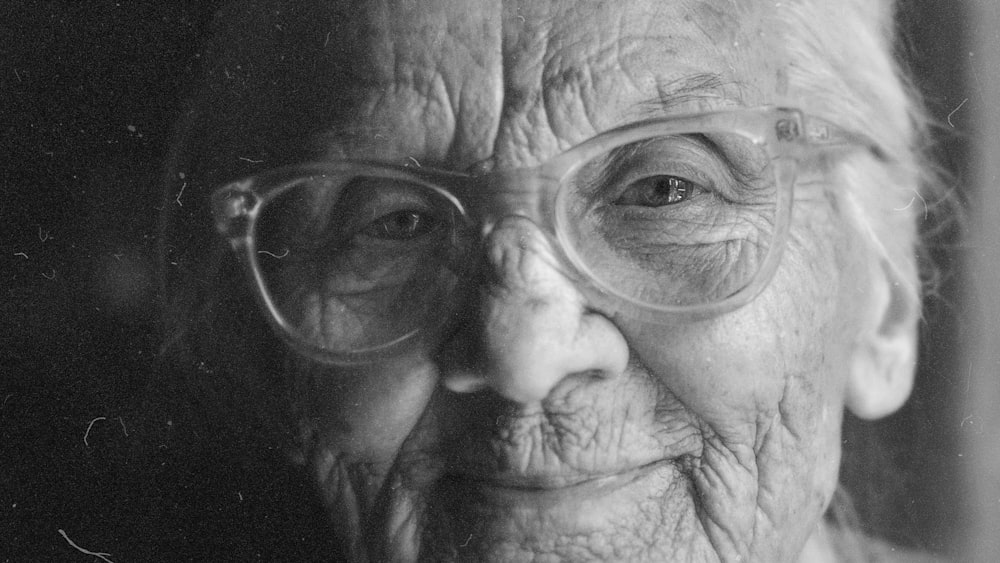
Vintage photographs often arrive with scratches, stains, and other damage. RetroFix's comprehensive restoration tools work seamlessly with the colorization feature to address these issues. This picture restoration app handles even severely damaged images.
Restoration First: Use the app's scratch removal tool to repair scratches and damage before colorizing. This ensures the AI has clean image data to work with. It's why this is considered the best app to restore old photos.
Gradual Enhancement: Apply colorization gradually, checking how it interacts with any remaining imperfections in the image.
Contextual Clues: Use surrounding elements in the photo to guide color choices for damaged areas where the AI might struggle. This restoration photo app provides excellent contextual analysis.
Best Practices for Digital Artists
- • Always save your original black and white image before colorizing
- • Experiment with different processing options to find the best result
- • Consider the emotional impact of color choices on your audience
- • Use reference images from the same time period for historical accuracy
- • Pay attention to color temperature and lighting consistency
- • Avoid over-saturation – subtle colors often appear more natural
Remember that AI colorization is a tool to enhance your creative vision, not replace artistic judgment. The finest results come from combining the AI's technical capabilities with your creative expertise and understanding of color theory. This old photo restoration app free trial lets you explore all features.
Bringing Your Digital Art to Life
AI colorization technology represents a significant advancement in digital art tools. RetroFix makes this powerful technology accessible to everyone, from professional artists to family historians wanting to preserve precious memories. This is the app to restore old photos you've been searching for.
By understanding the principles behind AI colorization and applying these tips and techniques, you can create stunning, vibrant images that breathe new life into black and white photographs. Whether you're working on personal projects or professional assignments, these tools open up new creative possibilities while saving time and effort. Explore our AI colorization feature to get started with the best photo restoration app available.
Ready to Restore Your Photos?
Transform damaged vintage photographs with RetroFix photo repair app's AI technology