
How to Restore Old Photos Using AI: A Step-by-Step Guide – RetroFix
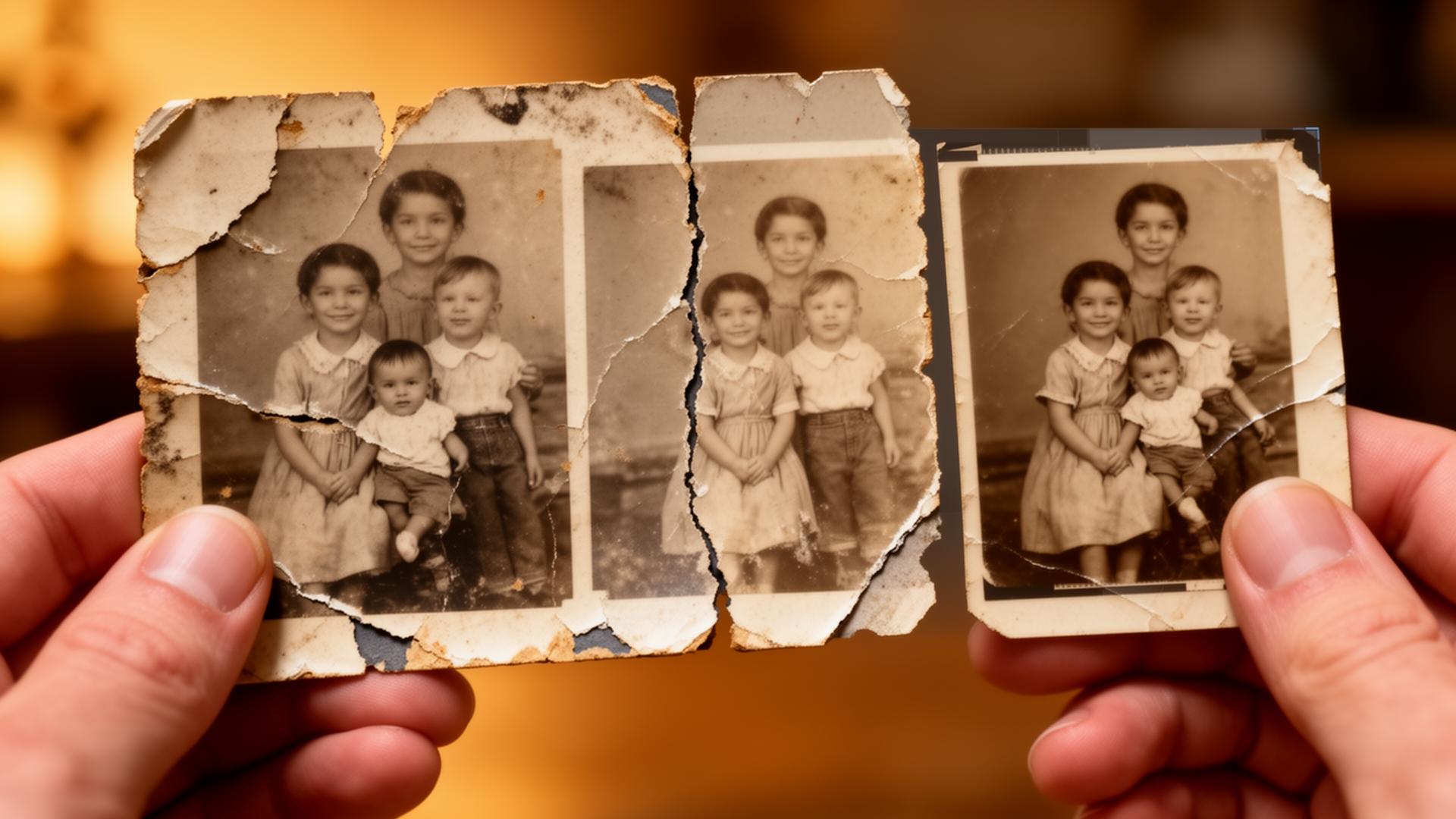
Do you have vintage, faded, or damaged photographs that you wish could look brand new again? Whether it's a childhood snapshot, a photo of your grandparents, or a cherished black-and-white portrait, it's now simpler than ever to restore old pictures thanks to advanced AI picture restoration tools.
In this guide, you'll discover how to retouch old photos, repair scratches, colorize black-and-white images, and enhance photo quality using a top-rated old photo restoration app — no professional skills needed. Learn more about the future of picture restoration technology.
Why Restore Old Photos?
Vintage photos are irreplaceable, but they often suffer from:
- Faded colors and details
- Scratches, stains, and tears
- Blurriness and low resolution
- Black-and-white or sepia tone only
Using AI-powered tools, you can now easily make old photos clearer, remove photo scratches, and even convert old photos to HD quality. The right restoration photo app can repair a photo, enhance old images, and bring memories back to life digitally. Discover more about preserving photos in the digital age.
Step-by-Step Tutorial to Restore and Colorize Old Photos
Here's how to use an AI tool like RetroFix (or a similar platform) to restore and colorize your vintage images. For a detailed comparison of available tools, check out our comprehensive AI tools guide.
1. Upload the Old Photo
Start by uploading your image from your phone or computer. This can be a:
- Scanned photo
- Black-and-white portrait
- Faded or scratched image
✅ Tip: For best results, use a photo where the face is clear and unobstructed. If you're working with damaged photos, our photo repair app feature can help repair scratches and tears first. This restore pictures app makes the process seamless.
2. Use AI Enhancement Tools
Next, select the AI enhancement feature to improve clarity. This step will:
- Remove blur
- Fix old blurry photos
- Enhance facial details
- Sharpen old photos
For specific facial improvements, explore our face enhancement feature which specializes in improving portrait quality. This restoring pictures app delivers remarkable results.
3. Remove Scratches and Damage
Use the photo scratch removal app function to clean up:
- Creases
- Dust spots
- Rips and folds
- Stains
This step helps make old pictures clear and is ideal for anyone looking to restore a damaged photo. Our scratch removal tool uses advanced AI to detect and fix imperfections automatically. This fix old photos app is easy to use.
4. Colorize Black-and-White Photos (Optional)
Now, apply the AI colorization tool to turn a black-and-white photo into a vivid, colorized memory. This tool uses advanced algorithms to recreate realistic skin tones, clothing colors, and background hues. Read more about colorizing photos in 2025 or explore our AI colorization feature.
5. Save or Share the Restored Image
Once your photo is enhanced, scratch-free, and colorized, save the result to your device. Most photo restoration apps let you save in HD or print-quality resolution.
💡 You can also share it with family or upload it to the cloud for safekeeping. Consider creating a family photo time machine to organize and preserve your restored memories with this old photo restoration app.
Best Apps and Tools to Restore Old Photos
Here are some of the most recommended platforms for restoring old pictures:
- RetroFix (App for iOS/Android) – best photo restoration app
- ImageColorizer (Web)
- Remini (Mobile)
- Hotpot.ai (Online)
All of these tools support AI photo repair, image restoration, and even animated effects to bring photos to life. For a detailed comparison, check out our photo restoration apps comparison and explore Remini alternatives guide.
Final Thoughts
Restoring old photos used to be something only professionals could do. But with today's smart tools, anyone can revive vintage photos, repair old pictures, and even turn old black-and-white portraits into colorized masterpieces.
Whether you're looking for an app to fix damaged photos, an AI tool to make old pictures look new, or the best app for restoring old photos, there's never been a better time to bring your memories back to life. Check out our features page to learn more.
Ready to Restore Your Photos?
Transform damaged vintage photographs with RetroFix photo repair app's AI technology