
5 Best Photo Restoration Apps Compared: Complete Guide – RetroFix
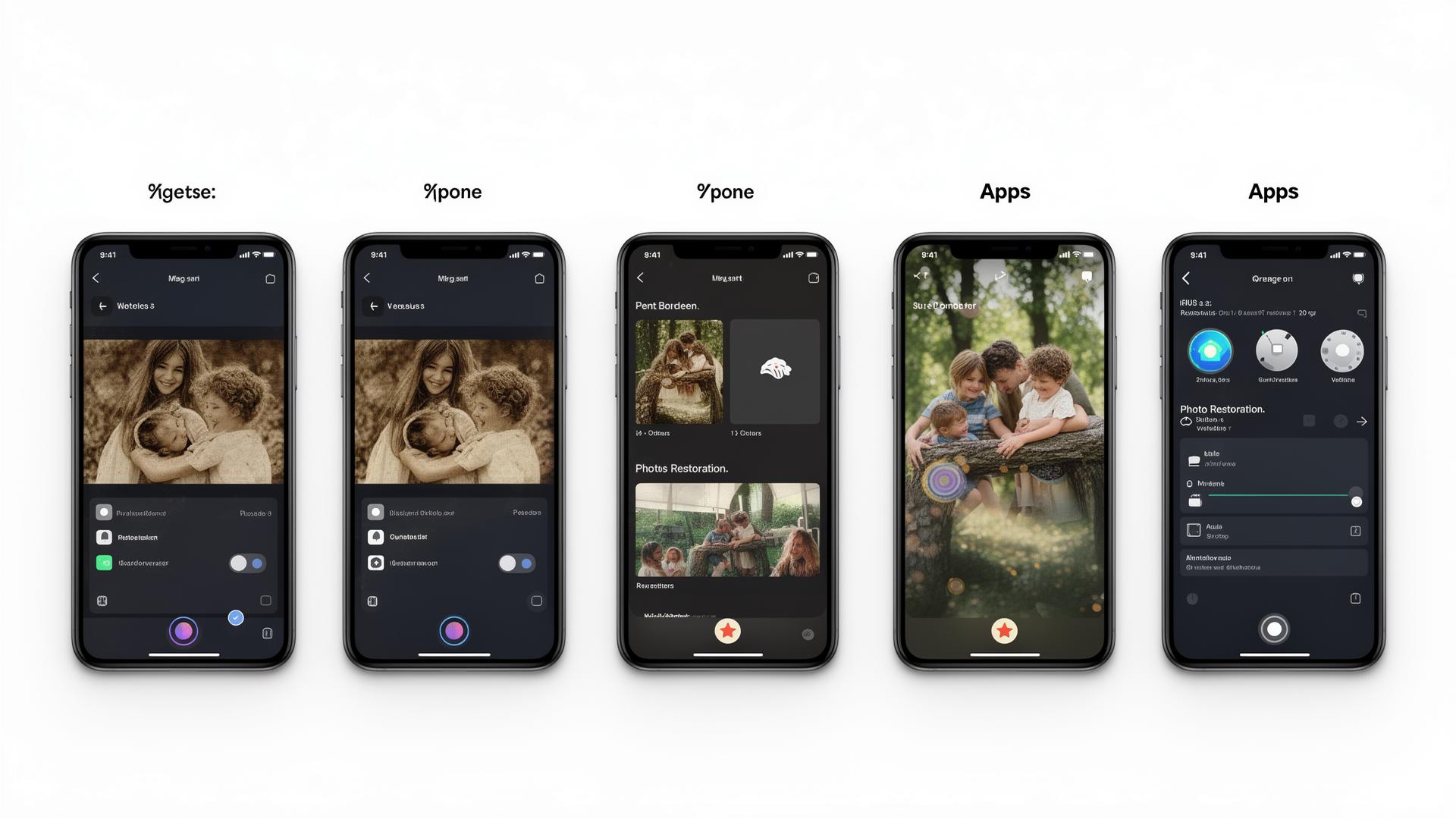
Looking for the best photo restoration app to restore old photos and make vintage pictures look new? With dozens of apps for photo restoration available in 2025, finding the right tool to fix old photos can be overwhelming. This comprehensive comparison will help you choose the perfect app to restore pictures and preserve your family memories.
Why Use AI Photo Restoration Apps?
Modern AI-powered restoration apps have revolutionized how we preserve family memories. Here's what they can do:
- Fix old blurry photos and make them crystal clear with AI enhancement
- Remove scratches and repair physical damage automatically
- Enhance old photographs with improved color and contrast
- Restore faded pictures and bring back lost details
- Convert to HD quality for printing and sharing
- Colorize black & white photos with realistic, natural colors
1. RetroFix — Best Overall Photo Restoration App
RetroFix stands out as the best app for restoring old photos, offering comprehensive AI-powered tools specifically designed for vintage photo restoration. Unlike general photo editors, RetroFix was trained exclusively on historical photographs, understanding the unique characteristics of aged images — from faded colors to film grain patterns.
✅ Pros:
- ✓ Advanced AI trained specifically on vintage photos
- ✓ Excellent automatic scratch and damage removal
- ✓ Natural-looking colorization with historical accuracy
- ✓ HD upscaling up to 4x resolution
- ✓ All-in-one restoration pipeline
- ✓ Face enhancement that preserves likeness
❌ Cons:
- ✗ Premium features require subscription
- ✗ Processing time for complex restorations
Best for: Anyone serious about restoring family photos, genealogy enthusiasts, and users who want professional results without Photoshop skills.
2. Remini — Popular but Limited
Remini gained popularity for its face enhancement capabilities and viral social media presence. While it's great for quick touch-ups on modern photos, it falls short when dealing with genuinely old and damaged photographs that require specialized restoration techniques.
✅ Pros:
- ✓ Easy to use interface
- ✓ Fast processing speed
- ✓ Good for general photo enhancement
❌ Cons:
- ✗ Limited free features
- ✗ No specialized scratch removal
- ✗ Often over-processes images (unnatural results)
- ✗ Poor colorization capabilities
- ✗ Aggressive paywall and constant upsells
Best for: Quick enhancement of modern photos or selfies. Not recommended for serious vintage photo restoration.
3. Renew — Animation Specialist
Renew has carved out a niche with its impressive photo animation features. If you've seen those viral videos of old family photos "coming to life," there's a good chance Renew was involved. The app excels at creating emotional, animated memories from static images.
✅ Pros:
- ✓ Excellent animation of old photos
- ✓ Ability to save results in print quality
- ✓ Simple, intuitive user interface
- ✓ Regular updates and improvements
❌ Cons:
- ✗ Shows ads to free users
- ✗ Can't chain multiple enhancements — requires separate iterations
- ✗ Limited restoration capabilities beyond animation
Best for: Users primarily interested in animating old photos rather than full restoration.
4. Yore — AI Photo Combiner
Yore offers a unique feature that sets it apart: the ability to AI-generate combinations of two photos. This is particularly interesting for creating "what if" scenarios, like seeing yourself alongside a grandparent you never met. However, its overall restoration capabilities are limited.
✅ Pros:
- ✓ Unique AI photo combination feature
- ✓ Has a free trial and easy to use
- ✓ Fast processing results
❌ Cons:
- ✗ Available for iOS only — no Android support
- ✗ Shows ads with daily limits for free users
- ✗ Limited traditional restoration features
Best for: iOS users interested in creative AI photo combinations and "generational" photos.
5. Adobe Photoshop Express — Professional but Complex
Adobe Photoshop Express brings some of Adobe's legendary editing power to mobile devices. While it offers professional-grade tools, it lacks the automated AI restoration that makes apps like RetroFix so accessible. You'll need time and skill to achieve good results.
✅ Pros:
- ✓ Professional-grade editing tools
- ✓ Advanced manual editing capabilities
- ✓ Integration with Adobe Creative Cloud
- ✓ Regular updates from Adobe
❌ Cons:
- ✗ Steep learning curve for beginners
- ✗ Requires manual work — no automated restoration
- ✗ Time-intensive process for good results
- ✗ Premium features require subscription
Best for: Users with photo editing experience who want manual control. Not ideal for quick, automated restoration.
Feature Comparison Chart
| Feature | RetroFix | Remini | Renew | Yore | PS Express |
|---|---|---|---|---|---|
| Scratch Removal | ✓ | ✗ | — | ✗ | — |
| AI Colorization | ✓ | — | — | ✗ | ✗ |
| Face Enhancement | ✓ | ✓ | ✓ | — | — |
| Photo Animation | ✓ | ✗ | ✓ | ✗ | ✗ |
| HD Upscaling | ✓ | ✓ | ✓ | — | — |
| Photo Combination | ✓ | ✗ | ✗ | ✓ | ✗ |
| Android Support | ✓ | ✓ | ✓ | ✗ | ✓ |
| Automated Restoration | ✓ | — | — | — | ✗ |
Our Verdict: Which App Should You Choose?
🏆 Best Overall: RetroFix
For users serious about restoring vintage family photos, RetroFix offers the most comprehensive suite of AI-powered tools specifically designed for old photo restoration. Its combination of automatic restoration, colorization, and HD export makes it the best value for preserving family memories.
Best for Quick Fixes: Remini
If you just need to sharpen faces in modern photos or want a quick enhancement tool, Remini's face enhancement is hard to beat.
Best Free Option: Snapseed
For users on a budget who are willing to do manual editing, Snapseed offers powerful tools at no cost.
Best for Professionals: Adobe Photoshop Fix
Professional photographers who need complete manual control and already use Adobe's ecosystem.
Conclusion
While each app has its strengths, RetroFix emerges as the best photo restoration app for users who want to genuinely restore and preserve their vintage photographs. Its specialized AI training on historical photos, comprehensive feature set, and focus on print-quality output make it the ideal choice for family photo restoration projects.
Whether you're digitizing old family albums, restoring inherited photographs, or preserving historical images, choosing the right app makes all the difference in the quality of your results. For most users, RetroFix offers the best balance of automation, quality, and ease of use.
Ready to Restore Your Photos?
Transform damaged vintage photographs with RetroFix photo repair app's AI technology